Tested label printer
Bixolon SLP-DX220BG
The model we have tested with PurveyOS. Direct thermal, 203 DPI, with Bluetooth and USB connectivity.
View printer →Label printing
Choose and purchase your own equipment. We'll show you the printer, labels, scanner, and connection options that work best with PurveyOS.
Print product labels with product information, price, exact weight, and a scannable QR code. You can also print packing lists and box labels for fulfillment.
The external scanner is optional, but it can save time when scanning product-label QR codes during market checkout and in kiosk mode.
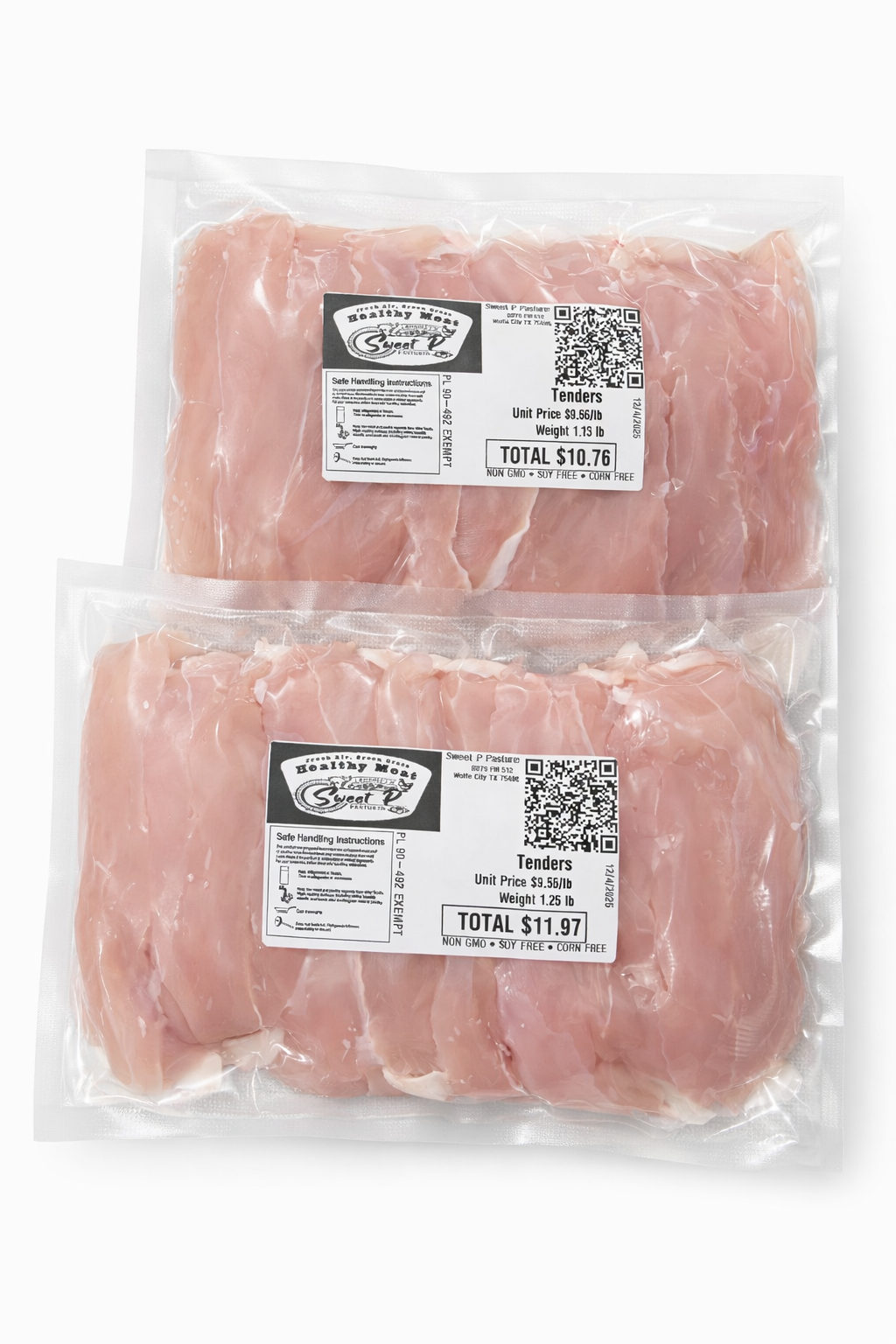
Buy these items directly from the retailer. PurveyOS does not collect payment for, ship, warrant, or process returns for this equipment.
Tested label printer
The model we have tested with PurveyOS. Direct thermal, 203 DPI, with Bluetooth and USB connectivity.
View printer →Recommended scanner
A 1D and 2D scanner that reads QR codes and connects by Bluetooth, 2.4 GHz wireless, or USB.
View scanner →Recommended labels
Ecotherm permanent-adhesive labels with 1-inch cores. The 2.25 x 4-inch listing is the same size in landscape orientation.
View labels →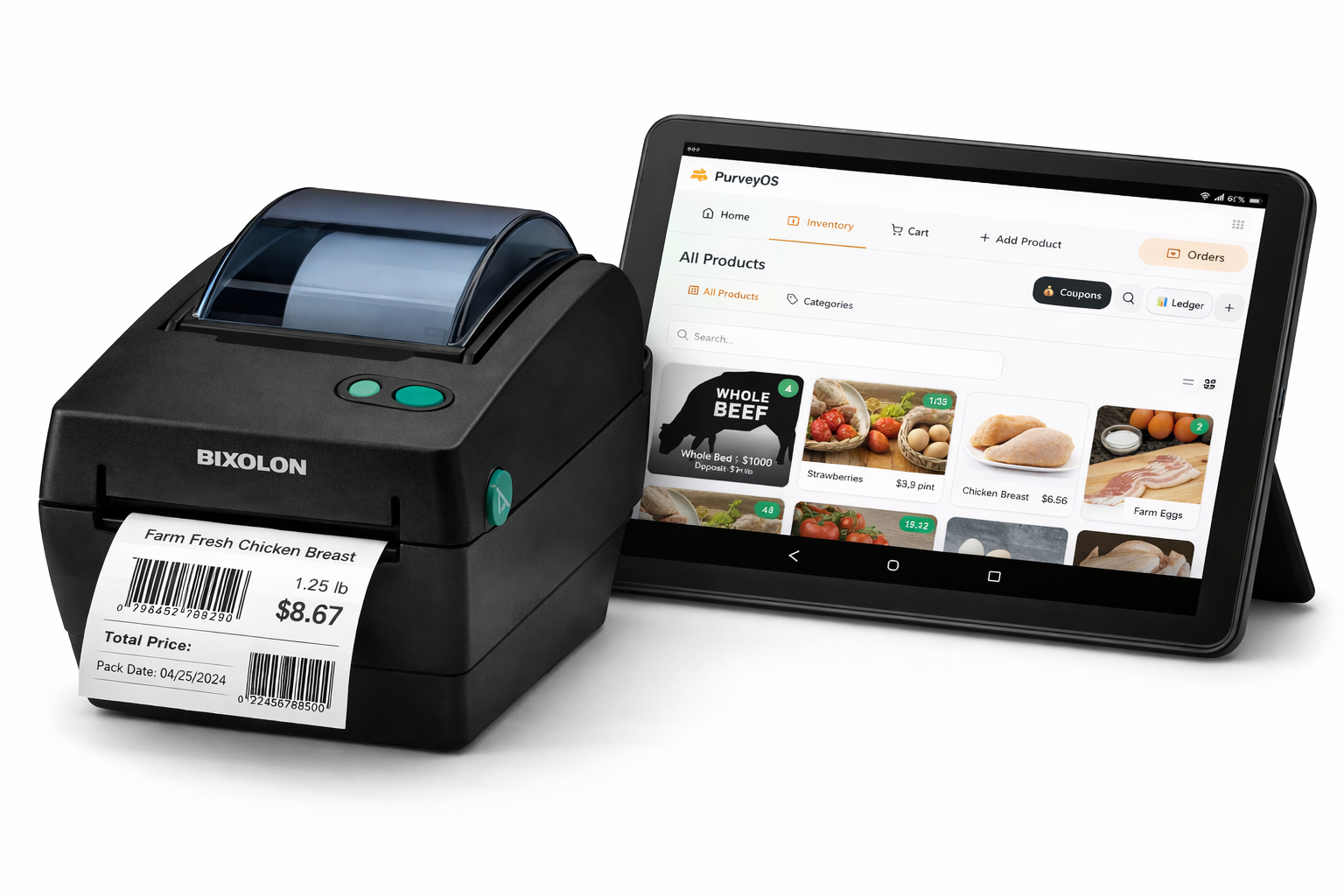
Example setup only. The device, printer, scanner, and labels are purchased separately from third-party retailers.
| Device | Connection | Status |
|---|---|---|
| Android tablet | Bluetooth | Recommended setup |
| Windows computer with Google Chrome | Bluetooth or USB through Web Serial | Supported |
| Mac with Google Chrome | USB | Supported connection |
| iPhone or iPad | Not currently advertised | Testing still needed |
Adds product-label, packing-list, and box-label printing to PurveyOS. Compatible equipment is purchased separately.
Get label printingNo. Purchase the printer, scanner, labels, and device directly from the retailer of your choice. PurveyOS does not sell or ship equipment.
The Bixolon SLP-DX220BG is the model currently tested with PurveyOS. Other printers may work, but they are not currently advertised as tested.
Our recommended setup is an Android tablet connected to the Bixolon printer by Bluetooth. On Windows, use Google Chrome with Bluetooth or connect the printer by USB through Web Serial. On Mac, use Google Chrome and USB. iPhone and iPad compatibility is not currently advertised.
Because you purchase hardware separately, warranty, returns, and replacement claims are handled by the retailer or manufacturer under their policies.
We can help you understand the tested setup, connection options, and label-printing workflow.
✓ Built by a producer
✓ Sell by weight or fixed price
✓ One inventory across online and in-person sales
✓ Offline-first workflows for real-world selling